Learning Plan 3: Emerging Software

Overview of Learning Plan 3

  • Identify software.
  • Classify software types.
  • Investigate use of new software products in web development.
  • Compare new software products.

WebVR

Web Trends Report

Description

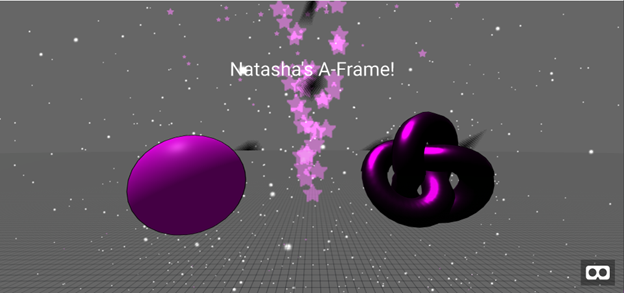
Create VR Content for the Web Project.

My WebVR Project
My WebVR Documentation

Reflection Statement

Previously, I was unfamiliar with WebXR and VR. This was my first time completing experimenting with VR and my first time working with A-Frame. I really enjoyed working with VR. A-Frame did not have access to a lot of resources. The blog has not been updated since 2020. I expected more tutorials and examples. I also thought there would be more up-to-date info. It was easy to set up and use. I still want to try to do more research to see what libraries I can find to create more projects.

Resources

A-Frame School Registry Glitch Me Solution
A-Frame Introduction
A-Frame School
Software: Flutter

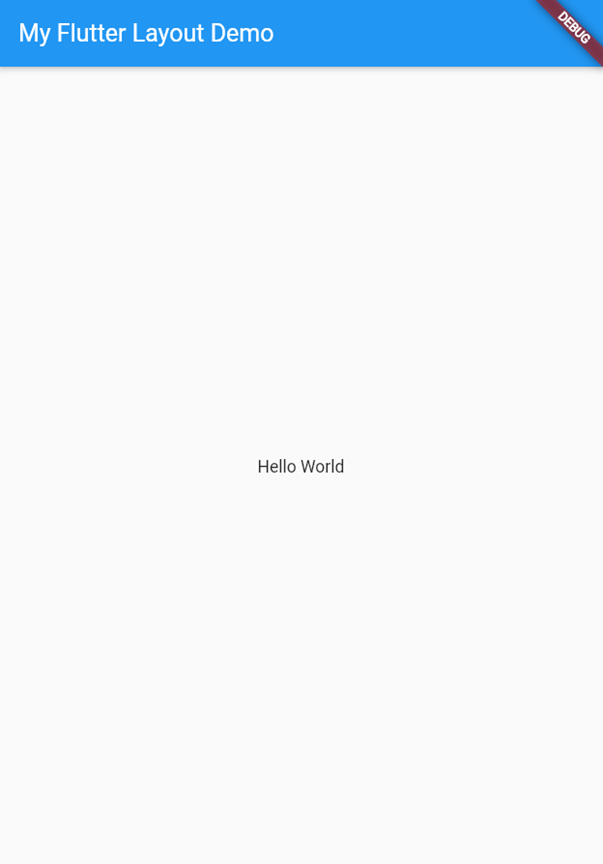
Flutter Demo Page

Description

You have to make use of a software product that you have not used before! A software that is new, emerging, or trending in the field of web site design and development.

Flutter Project
Software Documentation

Reflection Statement

I have no previous experience in using software for coding apps. The only resources I used was the Flutter documentation website and I watched a video on YouTube to see how to install all the necessary software. Coding a web app is different from building a website. There are a lot more code, even for a simple app. I was able to include interactive elements in the app. The only issue I had was trying to export the app to show on my website. I did learn how to download and configure a few software app like Android Studio. Flutter will be a software app that I will keep learning.

Resources

Flutter Documentation
How to Install Flutter on Windows 10...

Software: Bootstrap Studio

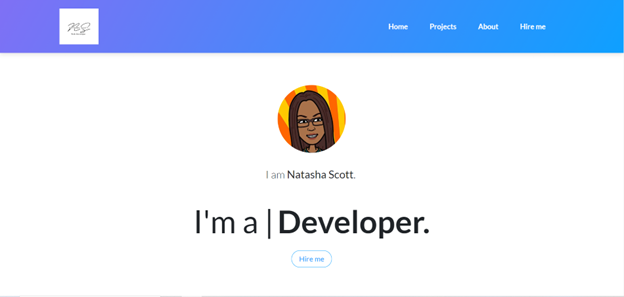
Portfolio

Description

You have to make use of a software product that you have not used before! A software that is new, emerging, or trending in the field of web site design and development. .

Portfolio Project
Software Documentation

Reflection Statement

I have no previous experience in using software for prototypes or websites. The only resources I used was Bootstrap Studio interface and the Bootstrap Studio website. It was easy to use and I liked the drag and drop interface, even with images and logos. The only issue I had was trying to export the website. They have an option to let you publish your website on their hosting platform for free. You can even host with a custom domain.

Bootstrap Studio is not free, but you can use it for free with the GitHub Student Developer Pack. This tool allowed me to learn how to use a prototyping tool, edit a template, and export the template. I did have to make minor changes to the code. I think this had something to do with the settings I chose when I exported the file. I will definitely keep using Bootstrap Studio to make websites and prototypes until my trial period ends. I would even purchase it. You pay one price to own it forever with free web hosting and smart forms included. It also allows you to build ecommerce stores.

Resources

Bootstrap Studio

Software: Bootstrap Studio Con't

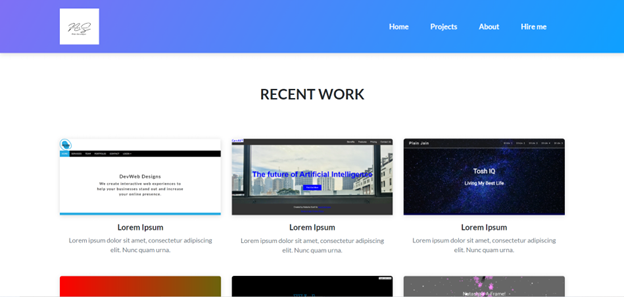
Projects Page

Projects Page


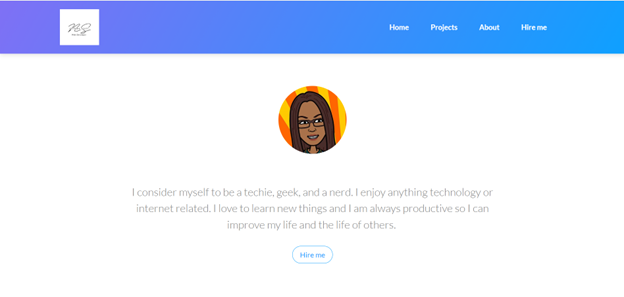
About Page

About Page


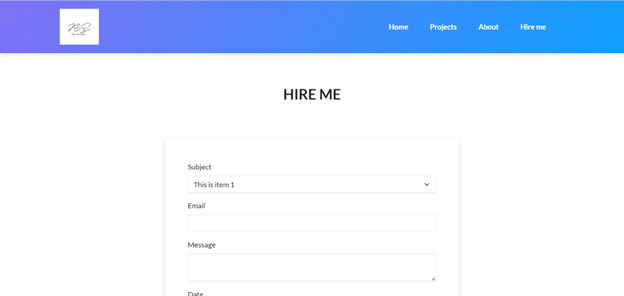
Hire Me Page

Hire Me Page

Back to Top ↑